Client: The Grower's LifeCategory: Product + BrandPlatform: Web, mobile door check-inFigure: No. 02
The Grower's Life
A garden company's events business, built end to end
01. The brief
The problem
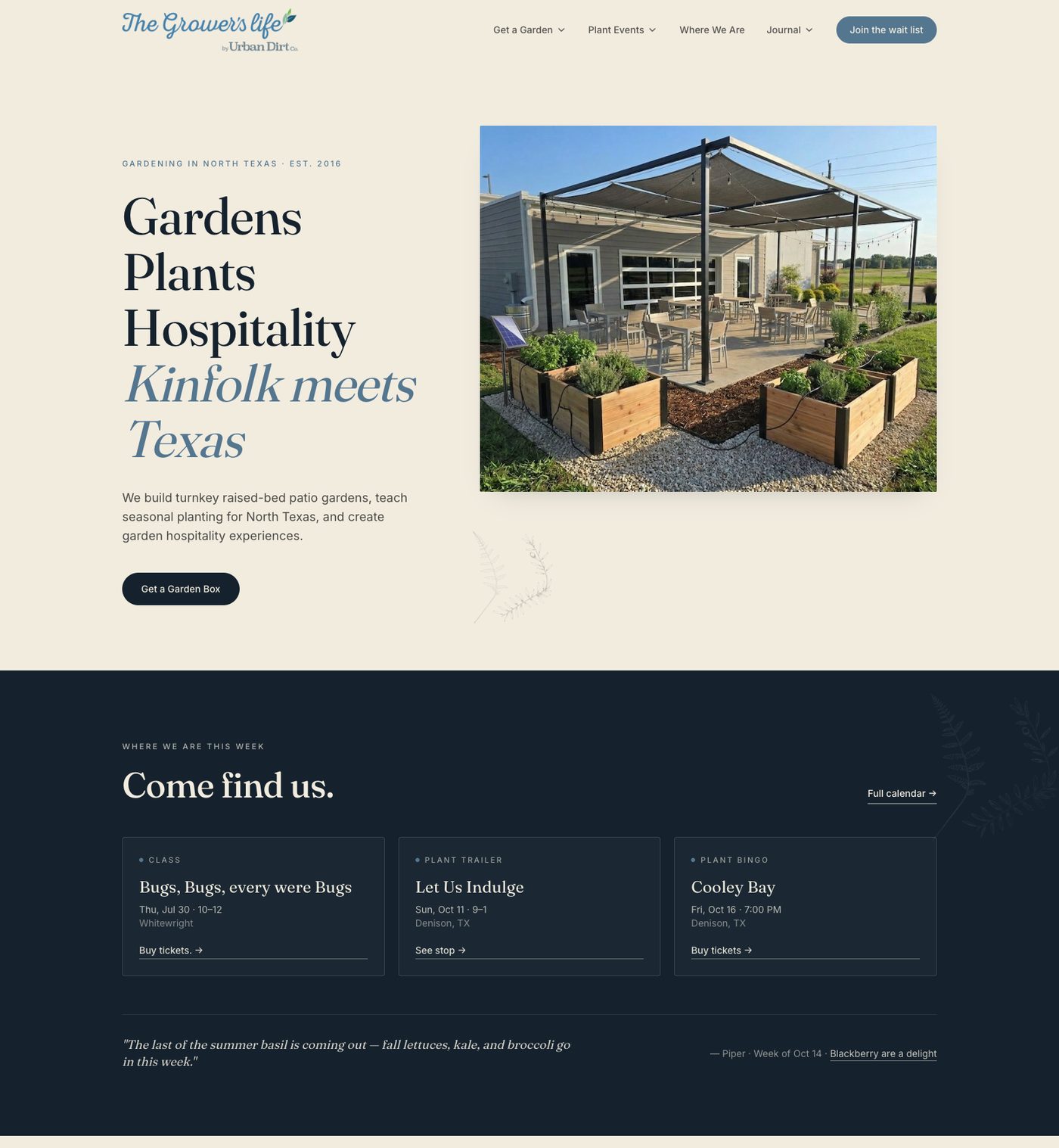
The Grower's Life, by Urban Dirt Co., has built gardens in North Texas since 2016. Installs don't scale, so the company turned to hosting: workshops and Plant Bingo nights at bars, breweries, hotels and a feed store. Tickets, door lists, bingo cards and leads lived in separate tools and on paper, and the website couldn't sell a seat.
My role
Designer and developer, zero to one, for Piper, the grower who owns the business. I did all of it: brand, product design and build, for the guest buying on a phone, the venue hosting the night, the host at the door, and Piper in the admin.
The key decision
One system runs the whole night, instead of a website builder, a ticketing site and a spreadsheet at the door glued together. Booking, the venue's page, the ticket, the check-in and the follow-up share one set of data.
Outcome
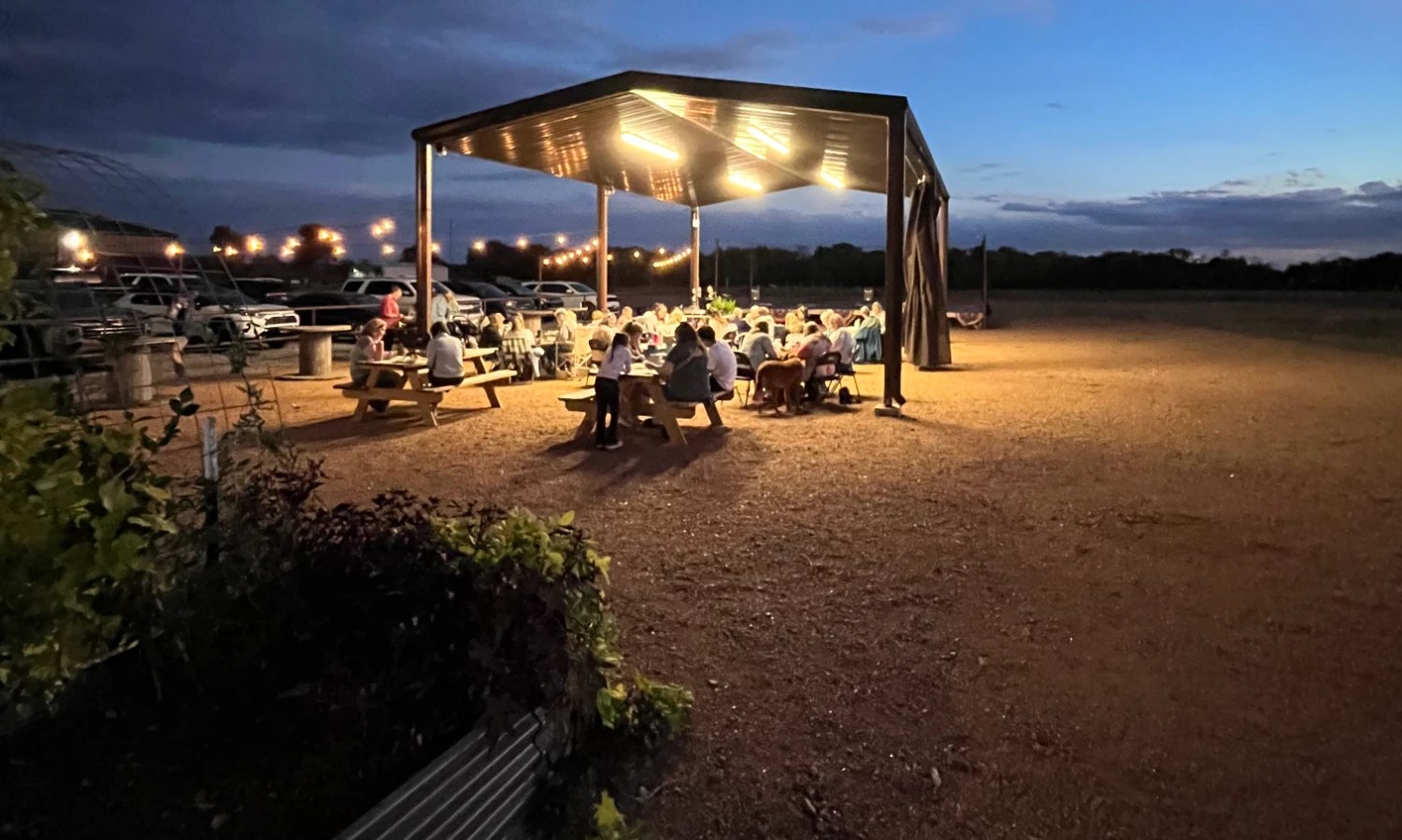
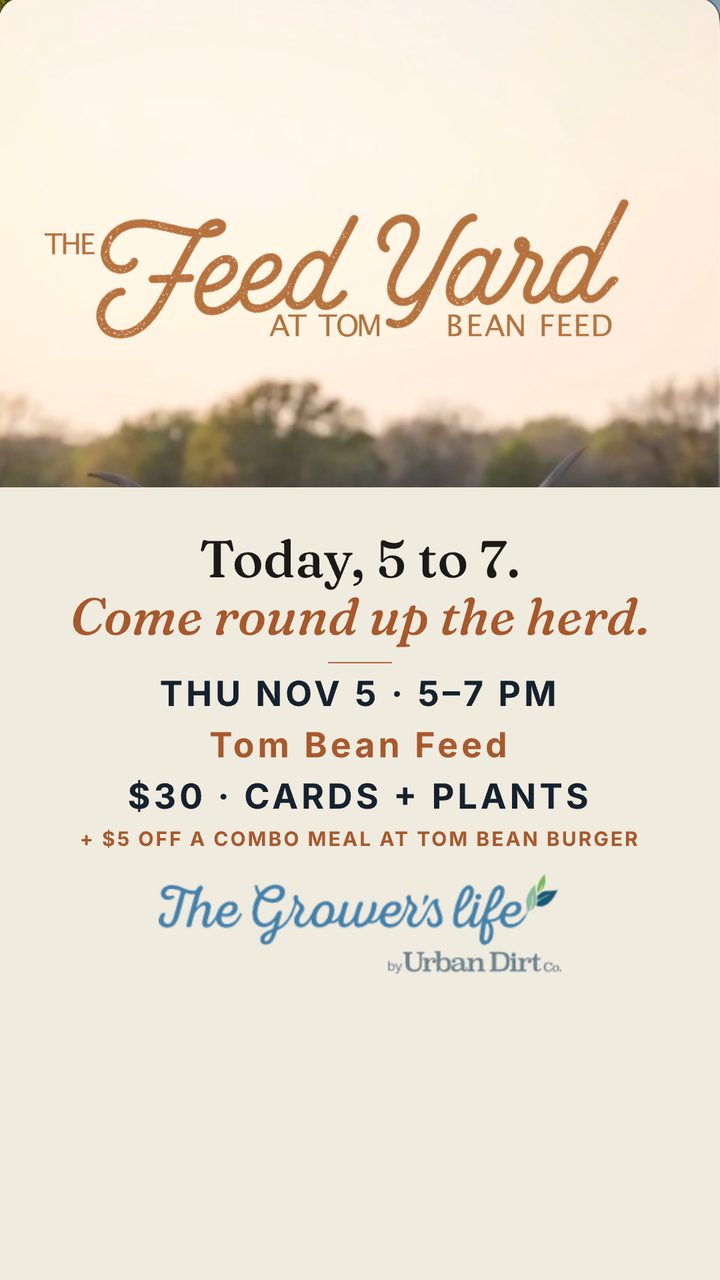
Piper's events now sell, check in and follow up in one place, on a system she owns. It went from first call to live in four weeks, and the first nights ran on it, including Round up the herd at Tom Bean Feed, where more than 40 people played Plant Bingo, many of them buying their seats at the door that night.
01 · The brand
Warm Organic Editorial, and no fifth color.
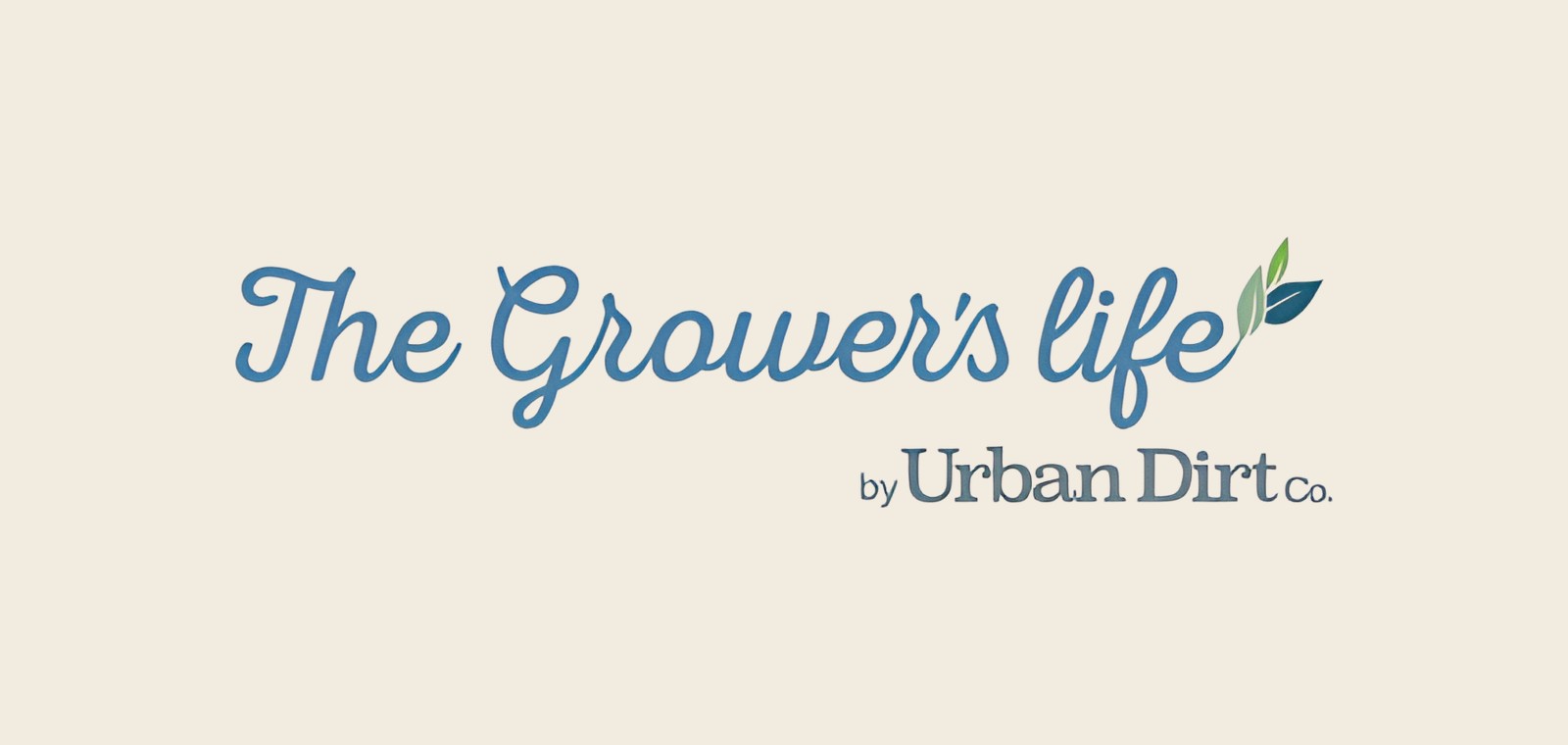
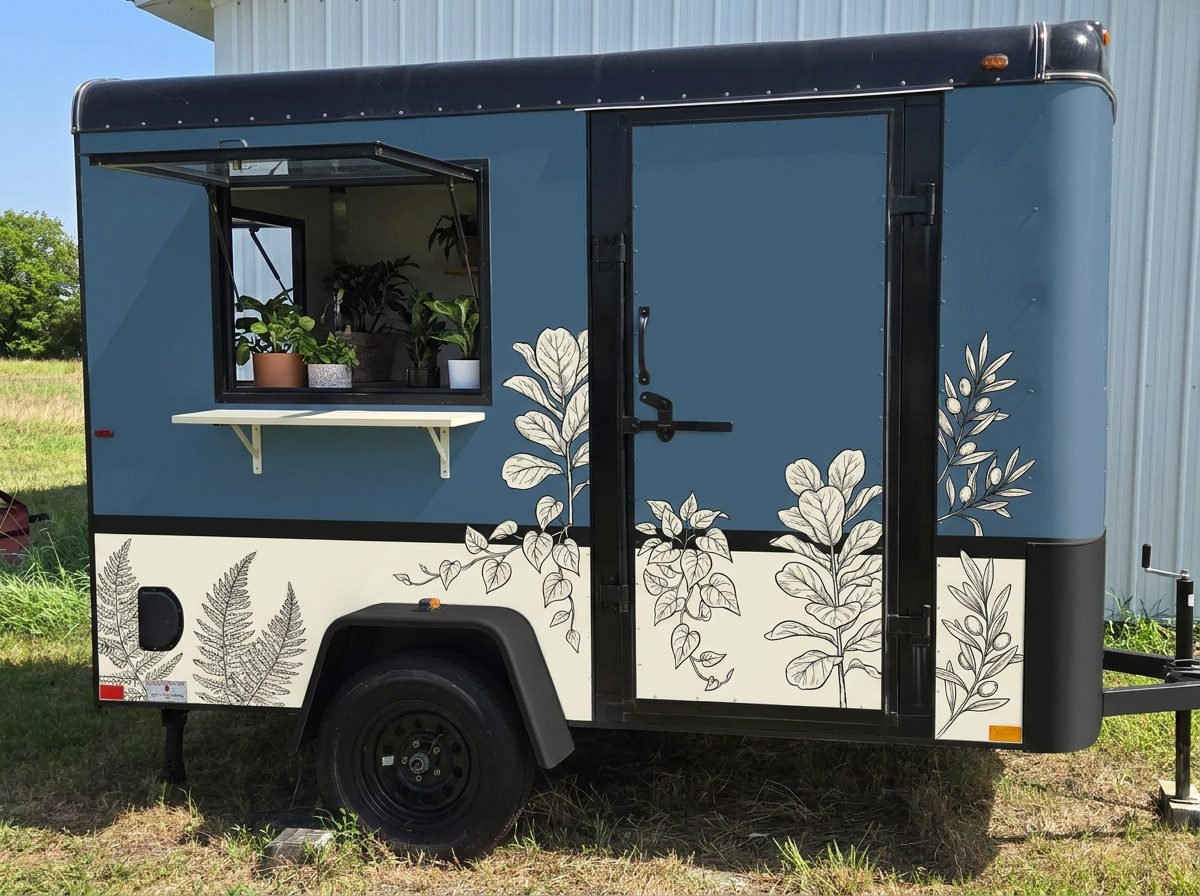
The Grower's Life got a new name, logo and identity, and the logo reads "by Urban Dirt Co." so ten years of reputation came along. The rulebook is short: Fraunces for display, Inter for body, cream, taupe and navy bands with one slate-blue accent. The script logo is the only script anywhere. The plants are illustrated, not photographed, wherever the brand needs to own the image: hand-inked leaves with a bold black contour, fine vein lines and flat cream fills, shaded in a few soft greys and set on the slate blue. It reads like a botanical print rather than clip art, and it carries the same look from the website backgrounds to the plant trailer.

#F2ECE0
#F7F4EC
#15222D
#54768F
02 · Book the night
Pick a date, and the night is set up.
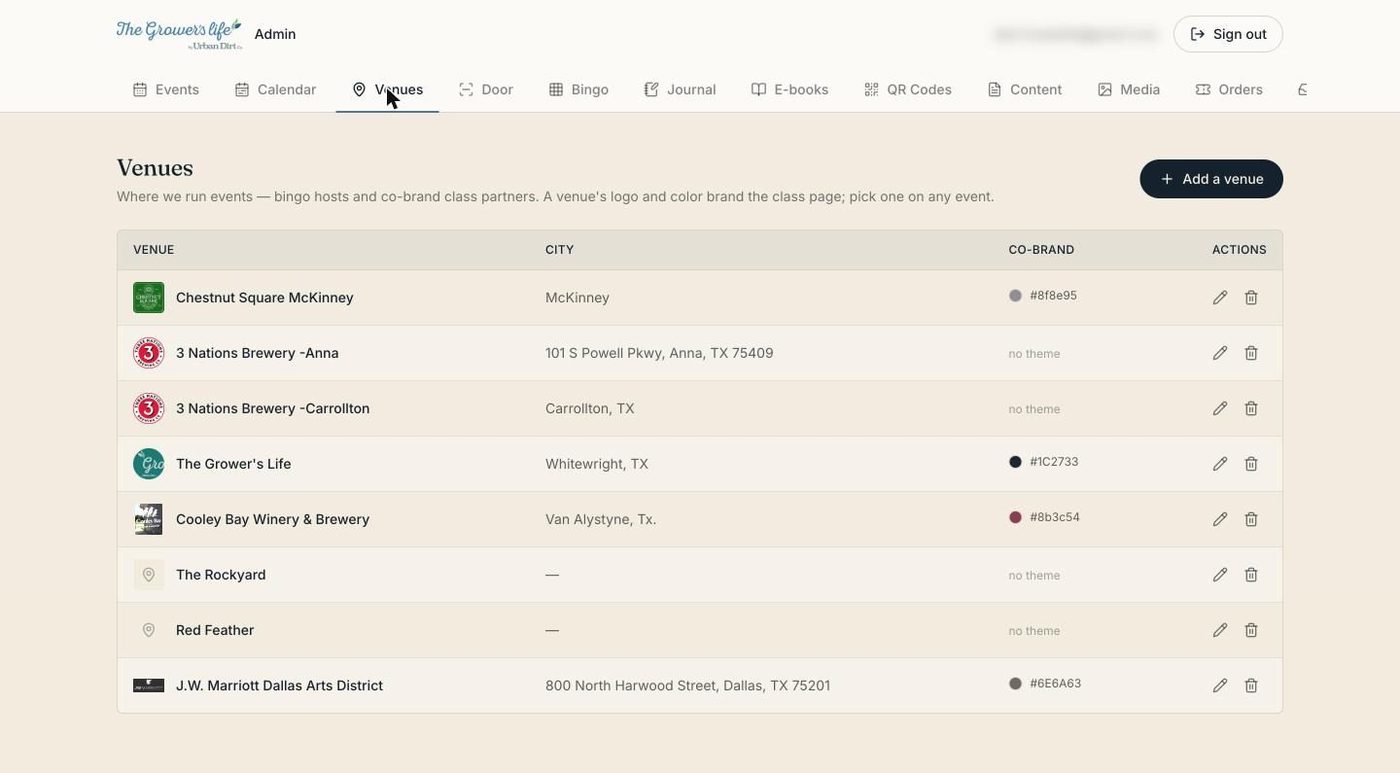
The venue names the night, the start time and how many people the room holds. The same day, it goes into the system with its ticket price, onto Piper's calendar, and onto the venue's page. Nothing for the venue to build, and no software for them to log into.
03 · The co-branded page
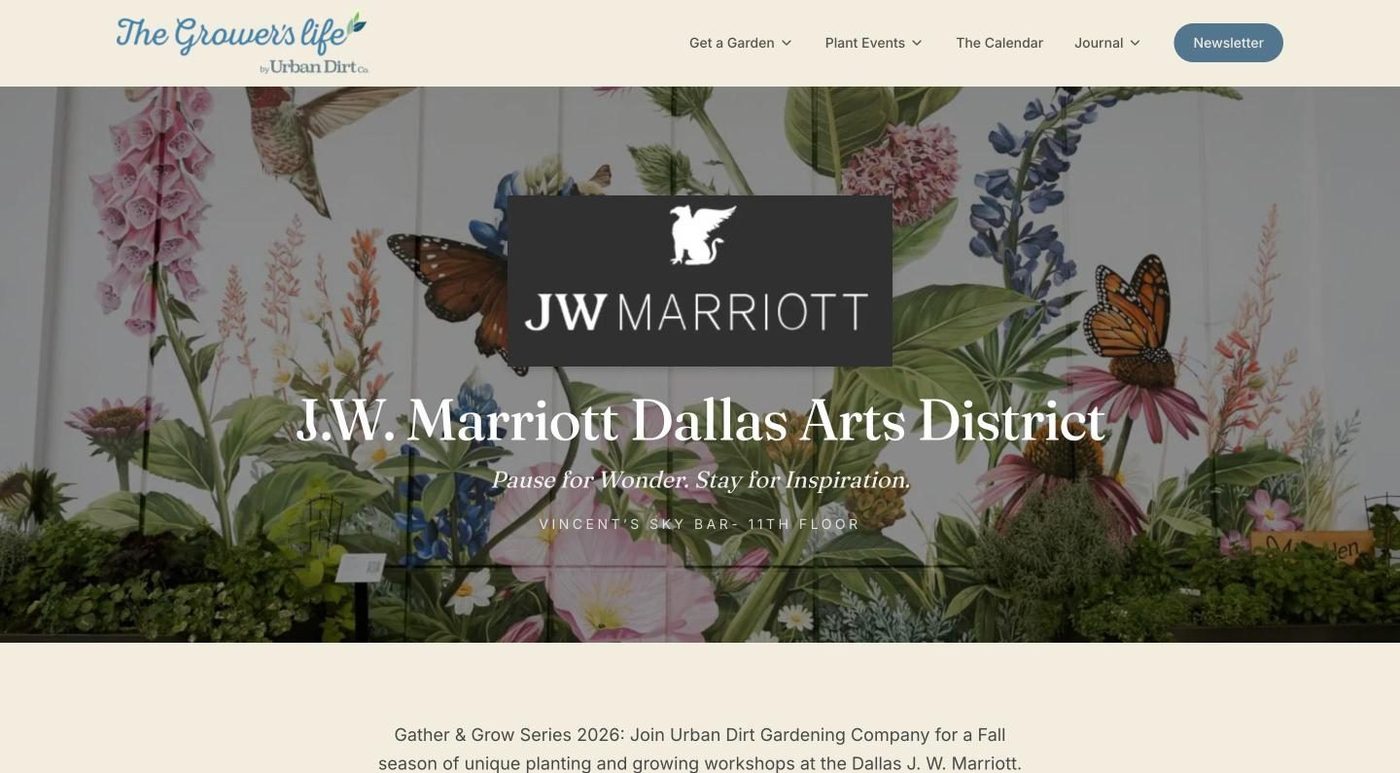
The venue's brand up front. Piper's never gets lost.
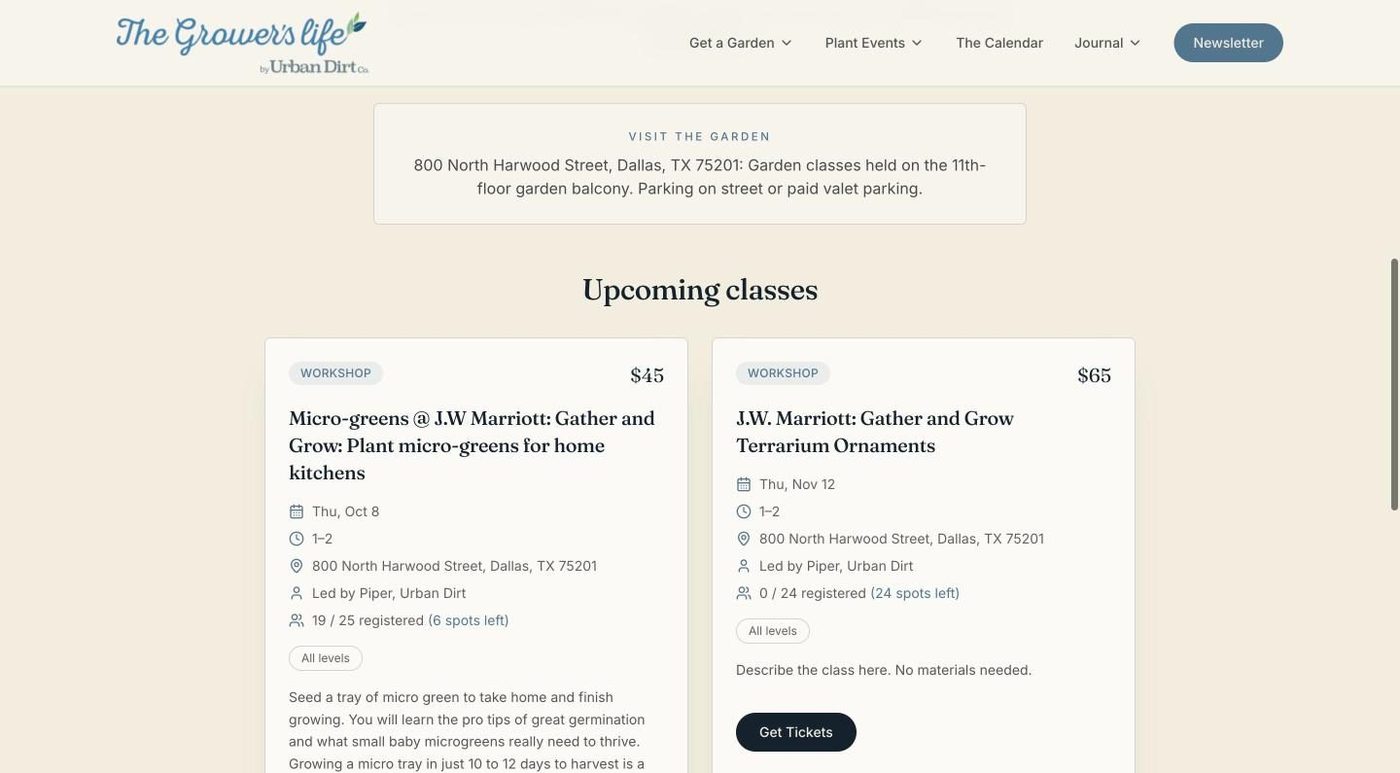
Each venue gets one page with its logo, its colors and its upcoming nights: one link for an email, a post or a QR code on the bar. Guests see the venue's name first, then The Grower's Life.
04 · Tickets
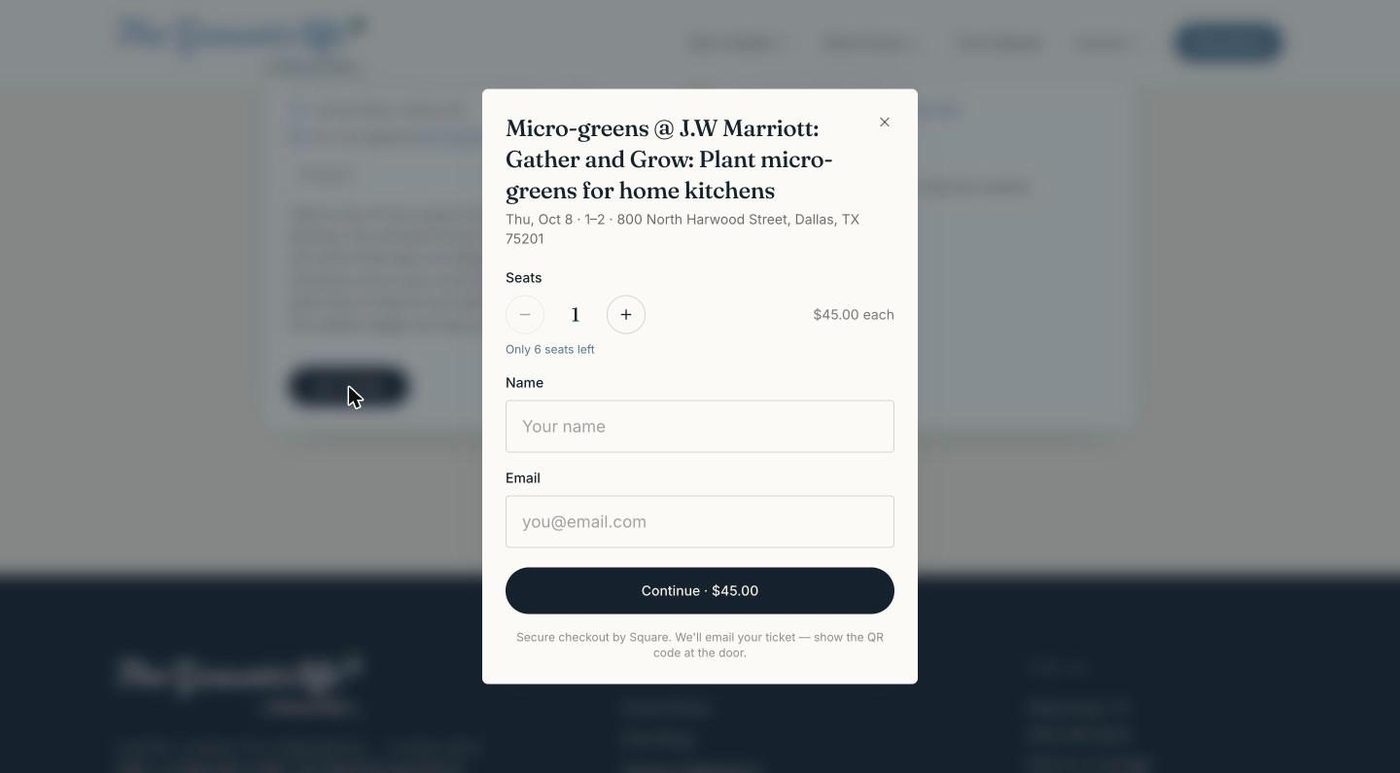
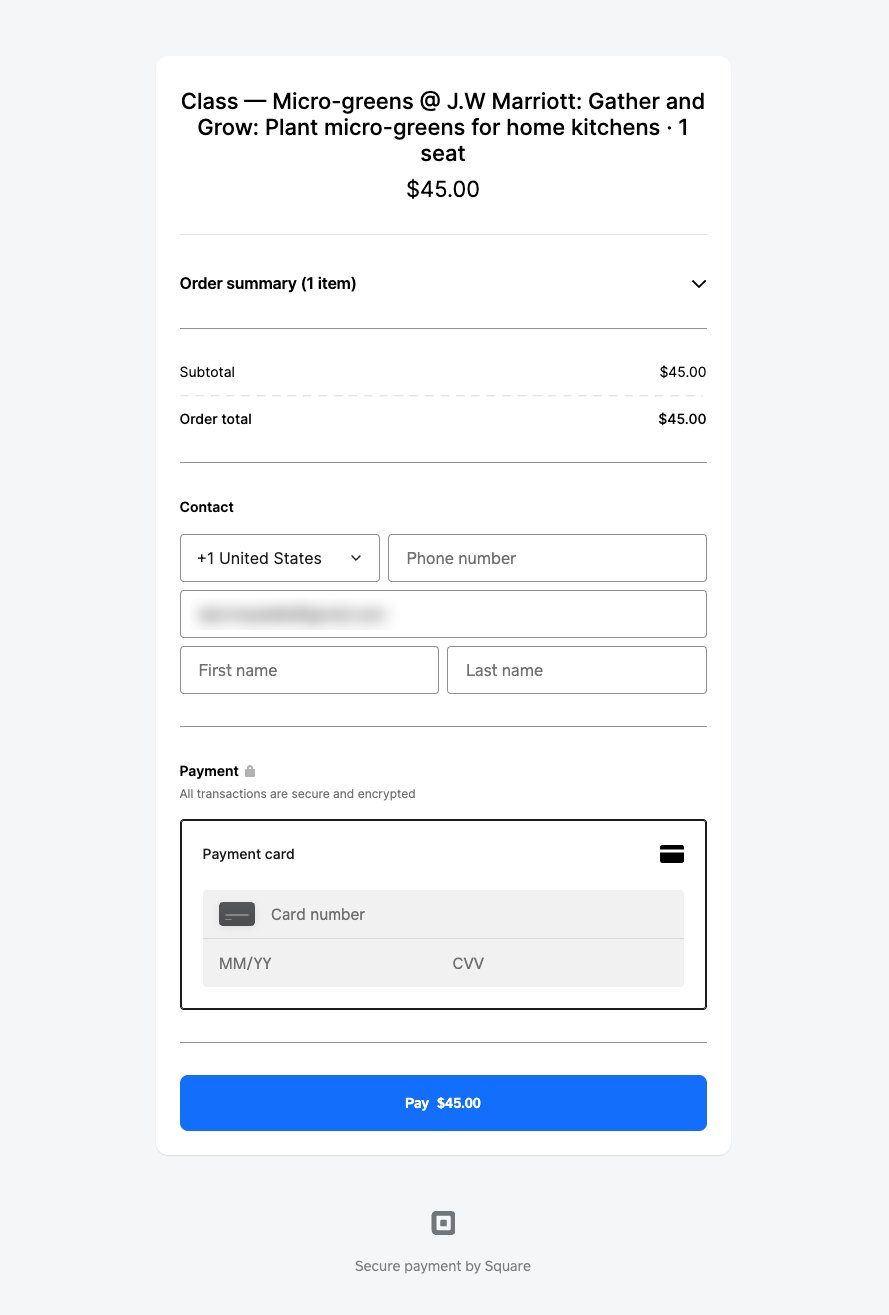
Seats, name, email. Square does the rest.
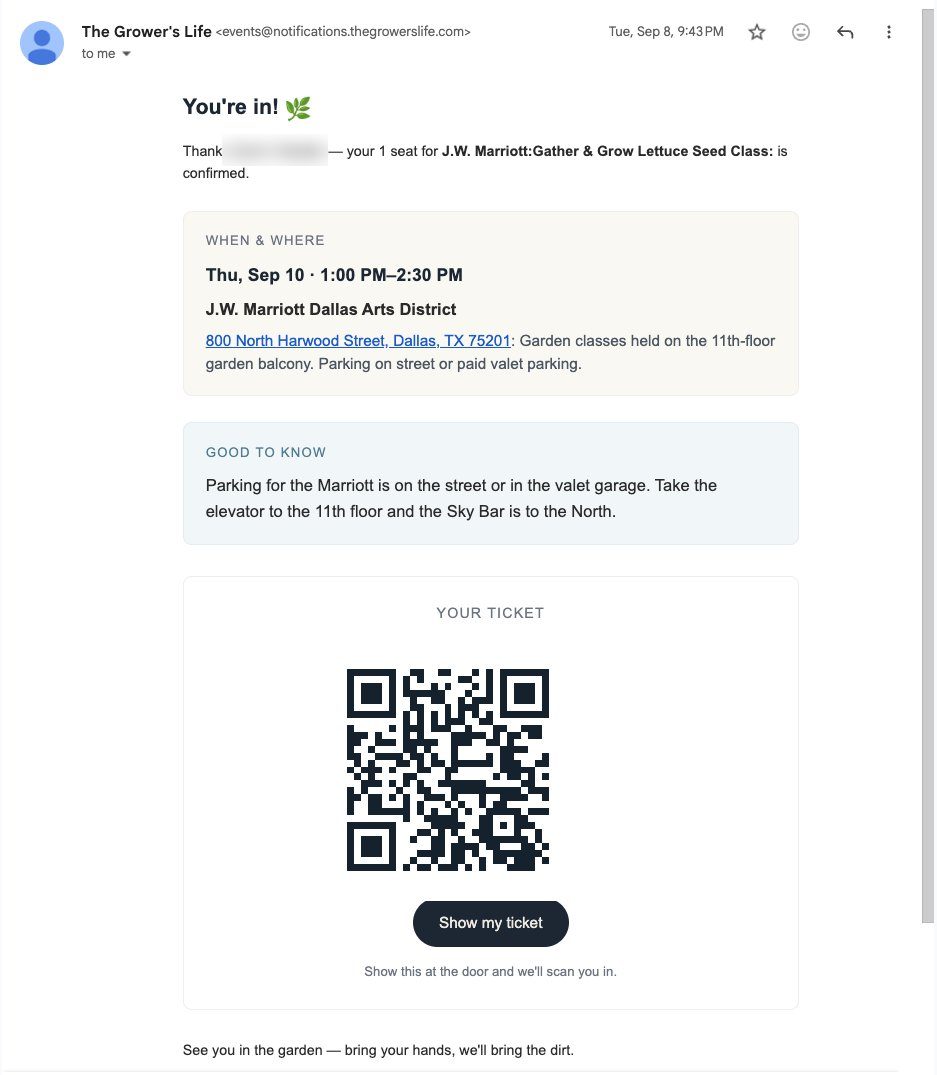
Most buyers arrive on a phone, from a post, with one night in mind, so the ticket is three screens and no account. Checkout runs on Square, the processor most small venues already use at the register; The Grower's Life never sees or stores a card number. The guest gets a QR ticket by email, and a reminder two days out.
05 · The door
About three seconds a guest.
Check-in happens on a phone, in a loud room, with a line. I worked the door on the first night and redesigned the screen check-in first. Scan the QR on the guest's phone and it beeps and flashes, or find them by name and tap. Seats sold, people in and spots left sit at the top, so the host knows when to sell to walk-ups and when to stop.
Workshop guests get a care guide the moment they're checked in. Every morning, one email shows what sold and who's coming.
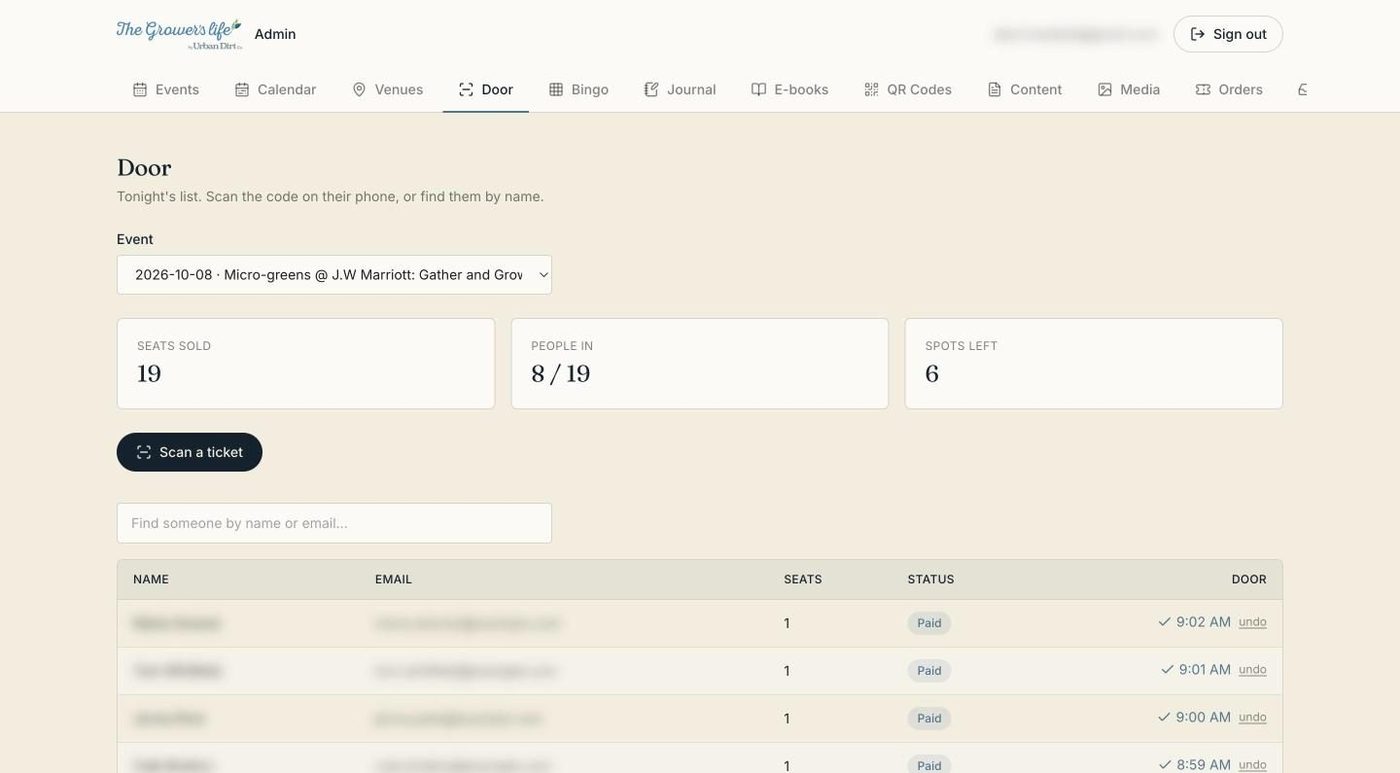
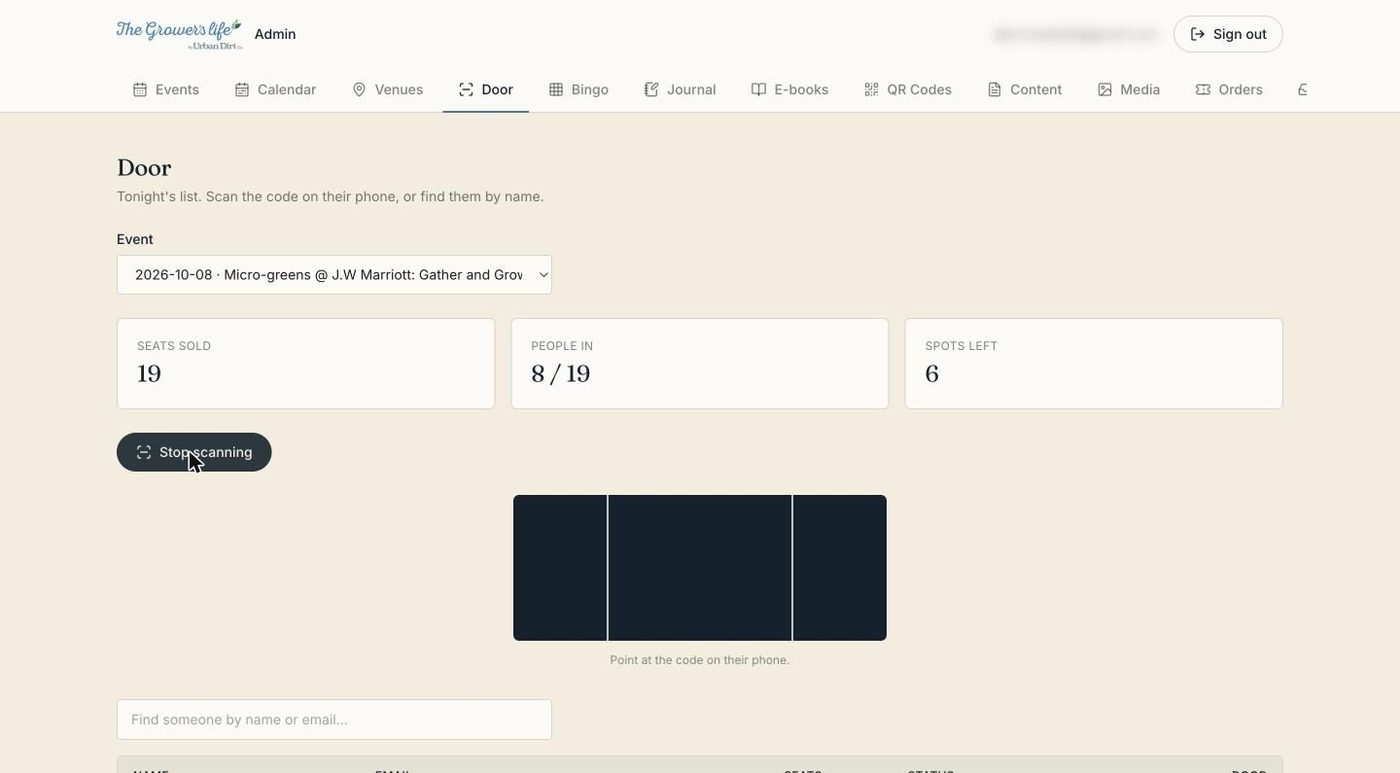
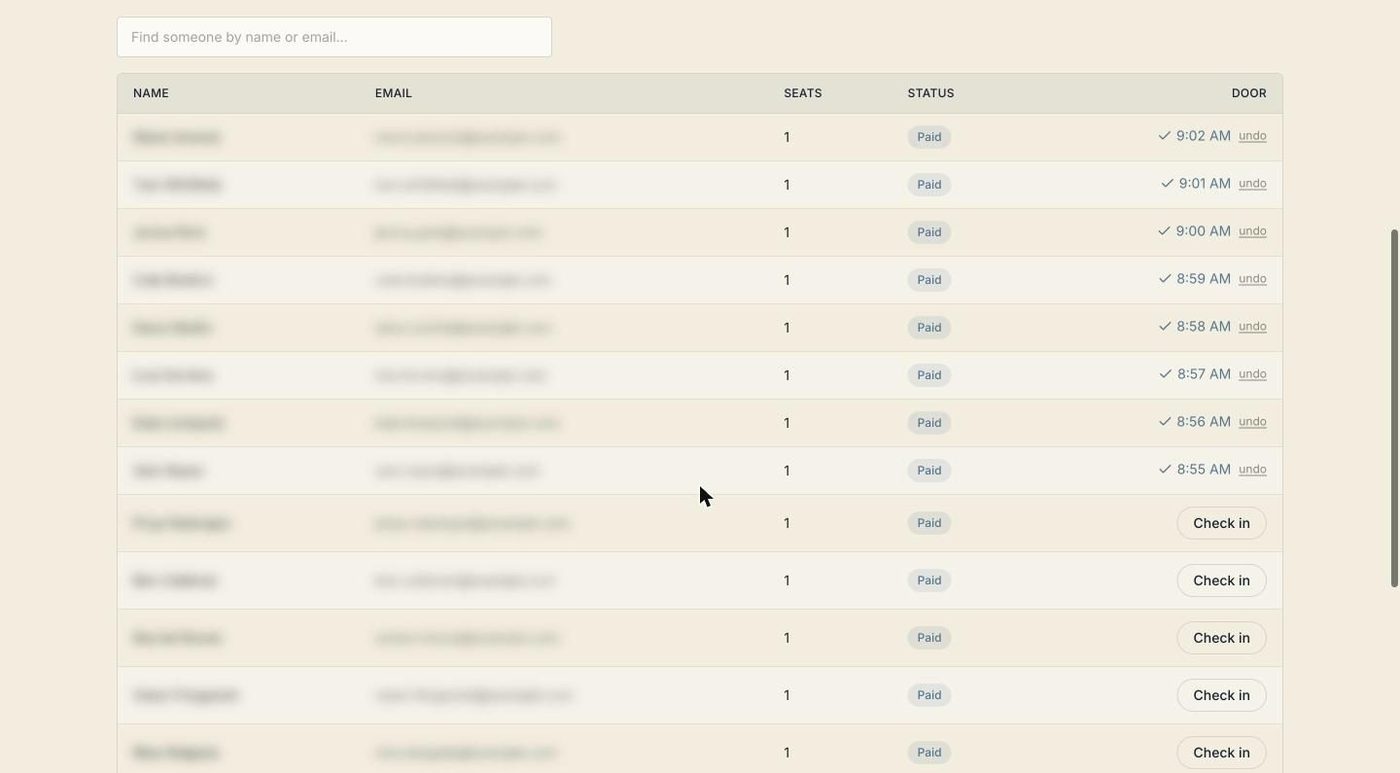
“Tickets, check-in, reminders, follow-up: it's all in one place now. I get to spend the night with my guests instead of my spreadsheets.”
06 · Filling the room
Both sides promote it.
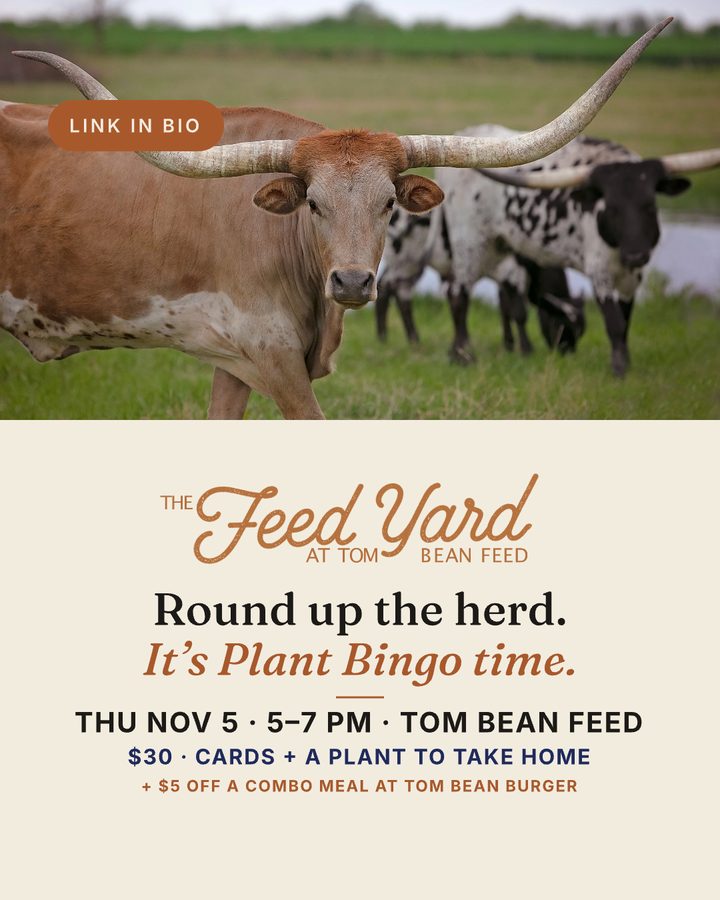
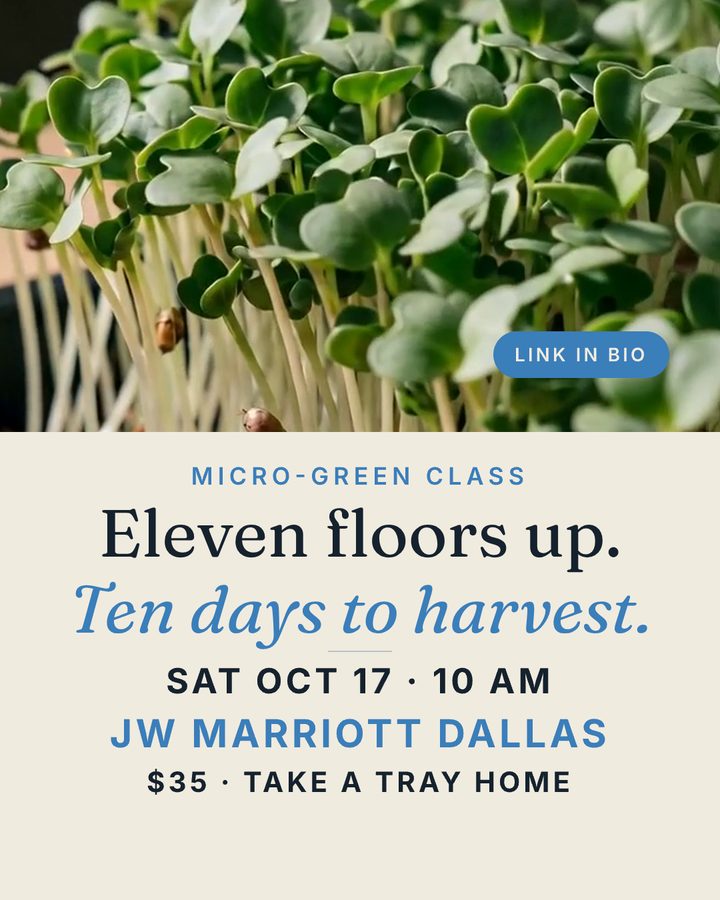
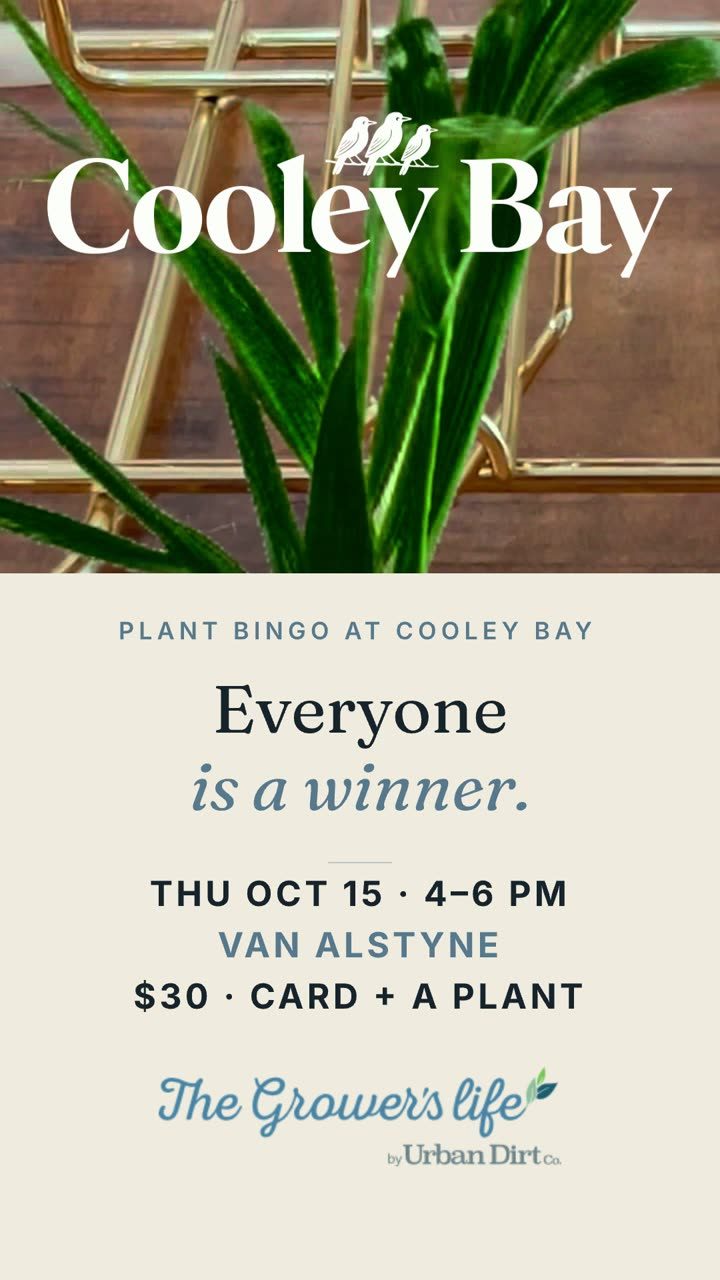
The Grower's Life posts the night on its channels and the venue posts it on theirs. Each venue gets its own series with its name on it, sized for every platform, in the same cream, type and plant photography as the site.

07 · How it was built
One designer and Claude Code, run like a product team.
I built the Hub with Claude Code from the first commit. Together we laid the scaffolding: TanStack Start and React for the site and admin, Tailwind for the design rules, Supabase for the database, sign-in and 38 migrations, and Netlify for hosting. Then we wired in what a real night needs. Square handles checkout, with a webhook confirming each payment. Resend sends the QR ticket, the two-day reminder, the care guide and the morning sales brief, and Twilio runs the Call Now line. Each runs as its own Supabase edge function, and the browser scans QR codes at the door and prints the bingo cards and door lists.
We ran it like a product team. Every session kept a devlog, every walkthrough with Piper became a punch list, and bigger features went to a small team of agents with a QA agent checking the work. Piper signed off on every call; I owned the design, the architecture and the merges, across 330 commits.
TanStack Start · React · Tailwind · Supabase · Netlify · Square · Resend · Twilio